Lessons and quizzes
Study by topic and quickly find the sheets in the Wiki.
- Lessons with tables, materials, warnings and sources
- Wiki with search and filters
- Quiz with explanations and review of errors
Outdoor survival · Product
Get ready for your next hike, even offline.
 Link in preparation
 Link in preparation
Product
SurviveShield helps you learn the basics of outdoor survival and plan your next trip. Explore seven topics: water, fire, shelter, navigation, signalling, knots and food.
Test your decisions in four environments, browse the wiki offline, and prepare your backpack and a trip plan to share before you leave. You can access the main lessons and tools without an account.
Inside the app
Real app screens, updated as the product evolves.
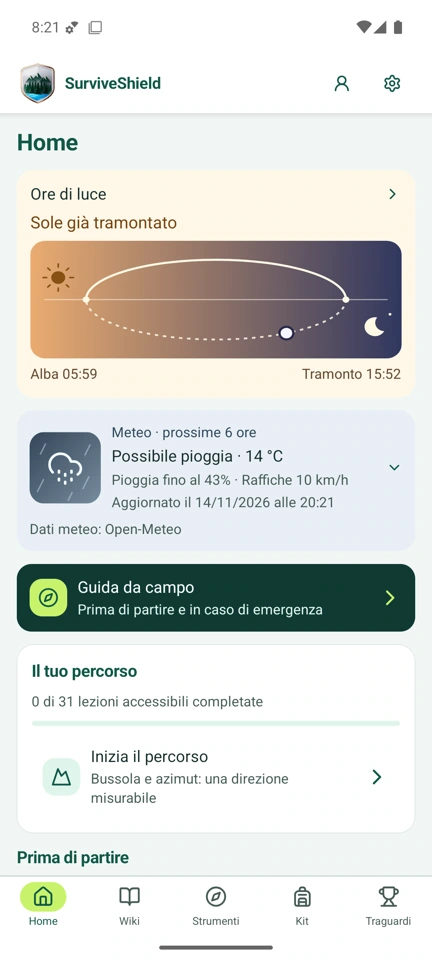
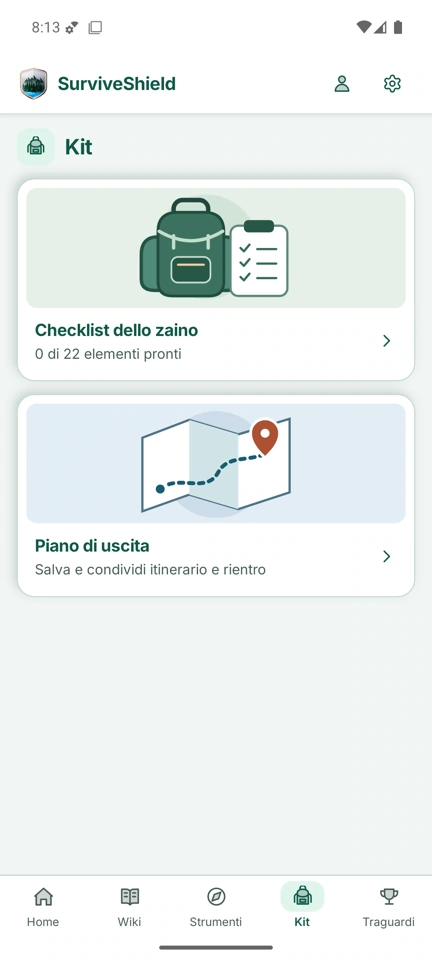
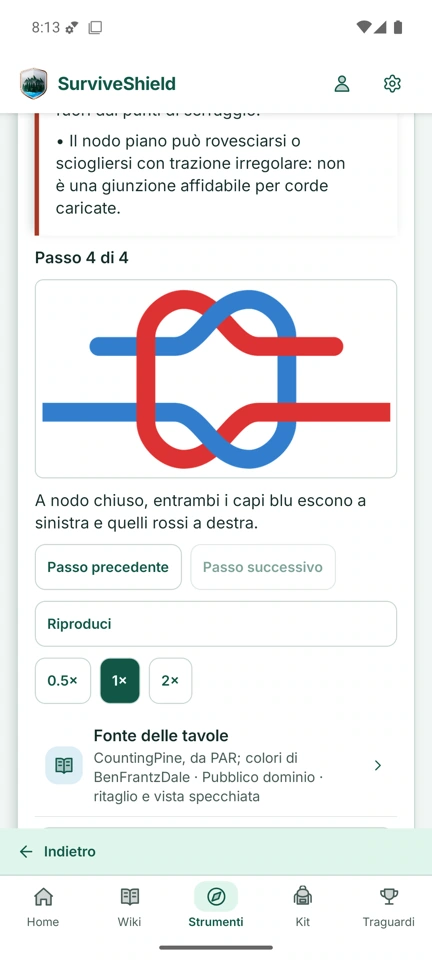
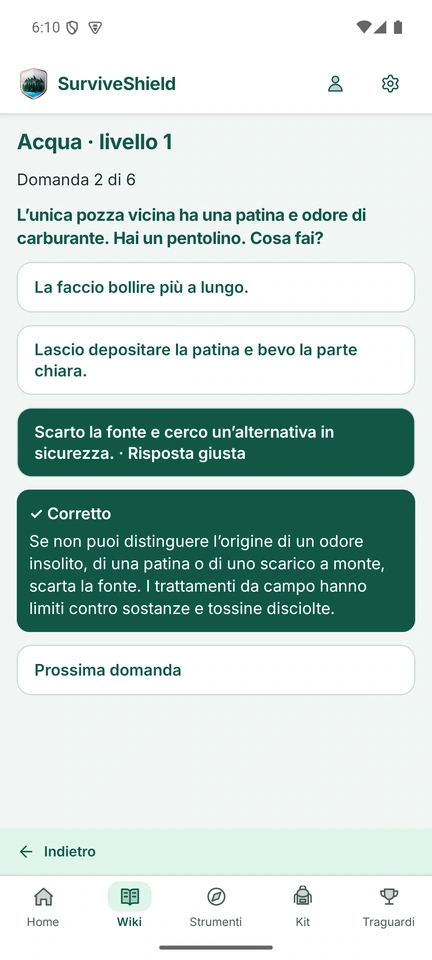
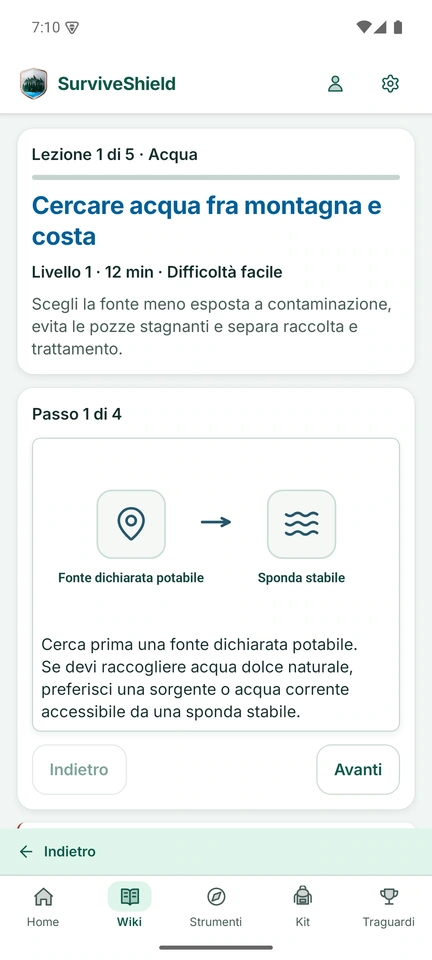
Take a lesson, review with a quiz, and apply what you've learned in a simulated scenario.
What it actually includes
SurviveShield offers illustrated survival lessons, quizzes, interactive scenarios and field tools you can use offline.
Key features
Study by topic and quickly find the sheets in the Wiki.
Make decisions using your own equipment or with limited resources. Each scenario shows the consequences of your choices and suggests lessons to revisit.
Organize your departure and keep useful references handy during the outing.
SurviveShield
The topics this app helps you manage every day.
You can consult the lessons, search the Wiki, use the scenarios and access the main tools without the Internet. Outdoor videos and weather updates require a connection, when available.
The main lessons, scenarios and tools can be consulted without creating an account.
Lessons cover water, fire, shelter, orientation, signaling, knots and food. The Wiki allows you to search for cards by topic.
The cards collect illustrations, indications on materials, warnings and sources. You can review the topic with the available quizzes.
Open the Wiki and type the topic you want to learn more about. You can apply filters or scroll through lessons by branch.
Quizzes test what you've learned. The summary shows the results and explanations and you can review incorrect questions.
Quizzes keep your progress on your device, so you can return to an interrupted attempt.
The scenarios are set in the woods and mountains, in the snow, in the desert and on an island.
Yes. You can try a scenario with your own kit or with limited resources and compare the consequences of decisions.
The summary shows the outcome of the choices and refers you to the relevant lessons for further information.
The checklist groups equipment by category. You can add entries and check off what you have already prepared.
Summarise your trip, add your expected return time and share the plan with a trusted contact.
The reminder is an optional notification on your device. Sharing the plan with a contact must be done directly by you.
The compass requires a compatible magnetometer. Readings may be affected by interference and should be considered an additional reference.
The app calculates sunrise, sunset and an estimate of residual light for the selected location offline.
The dedicated section shows animated nodes. You can combine animations with practical exercises in safe conditions.
The Tools section includes a reference to Morse code that can be consulted even without a connection.
In the SOS section you can view the coordinates when the location is available. You choose whether to copy or share them via your phone.
SurviveShield is a training aid. To practice, rely on qualified instructors and, in case of emergency, contact local emergency services.
SurviveShield is in the testing phase. Store links will be posted here when the app is accessible to the public.
Official store links are not available yet.
Link in preparationLink in preparation