What should I do in case of war?
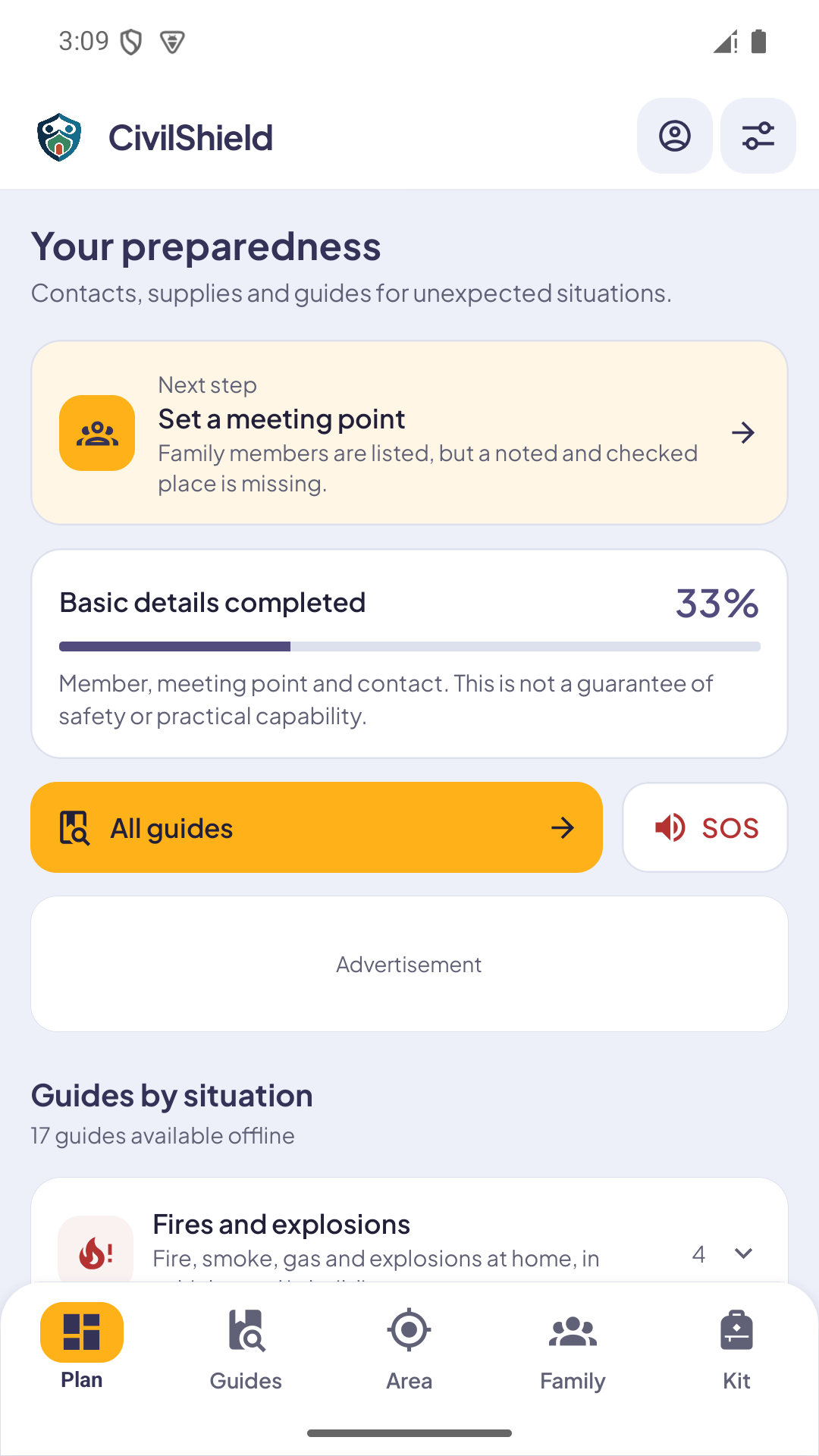
Prepare beforehand: supplies ready, contacts agreed and meeting points planned. CivilShield brings your family plan and offline guides together to help you get organised.
What should I do in case of a nuclear bomb?
Organise supplies and a family plan in advance. CivilShield keeps your kit, contacts and nuclear emergency guide together, accessible even without internet.
What should I do during a terrorist attack?
Agree contacts and reunification arrangements beforehand. CivilShield helps organise your family plan and keeps armed attack and terrorism guides available offline.
What is CivilShield for?
CivilShield is an educational app for preparing for emergencies caused by people or technology. It keeps guides, a family plan, a kit and official country references together, so you can organise useful information in advance and consult saved content offline.
Can I download CivilShield from the stores yet?
CivilShield is in development. This page describes the current version and shows real app screens; it does not announce public availability. Official download links will be added when the launch is ready.
Which emergencies do the 17 guides cover?
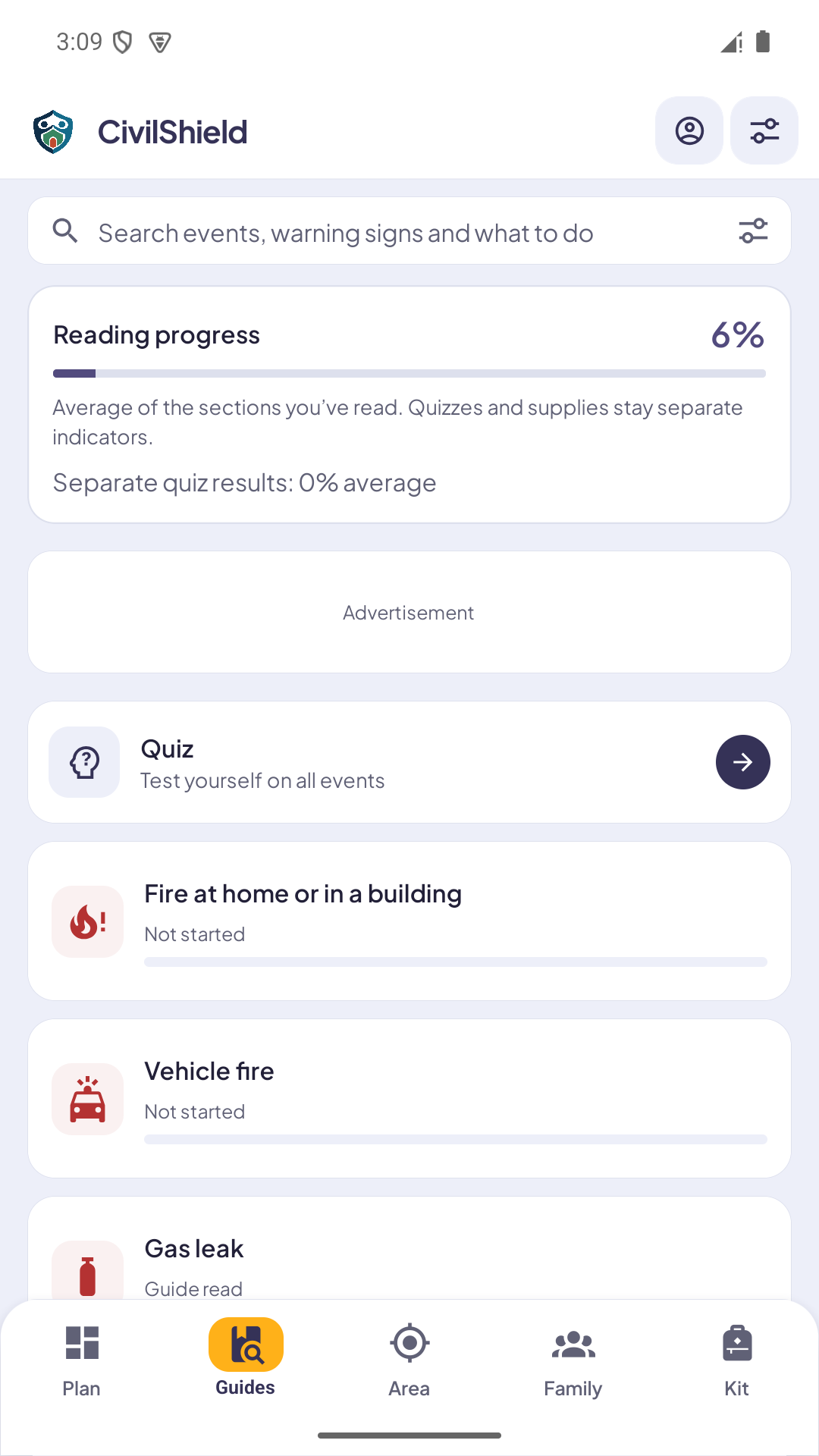
Building and vehicle fires, gas leaks, explosions and collapse, carbon monoxide, chemical and nuclear incidents, dam failure, blackouts, unsafe drinking water, tunnel incidents, crowd crushes, armed attacks, suspicious objects, unexploded ordnance, air raid warnings and cyberattacks.
How is CivilShield different from NaturalShield?
CivilShield covers civil and technological emergencies, while NaturalShield focuses on natural disasters such as earthquakes and floods. Their preparation approach is similar, but their guides differ. CivilShield does not assign local risk levels or assess building safety.
Does CivilShield work without the internet?
Guides and saved planning data are available offline. Purchases, ads, external websites and some location or sharing services may need a connection. Familiarise yourself with the sections beforehand; the app does not receive real-time public warnings.
Do I need an account?
No account is needed for the guides and preparation tools. Family plans and kit records stay on your device. Look after your saved data: having no account does not mean that an automatic online backup is provided.
Does CivilShield send alerts or predict incidents?
No. It supports preparation and reference, without monitoring events, predicting incidents or issuing public warnings. The Area section provides emergency numbers and official links. Follow current warnings through the relevant authorities' channels.
How are the guides organised?
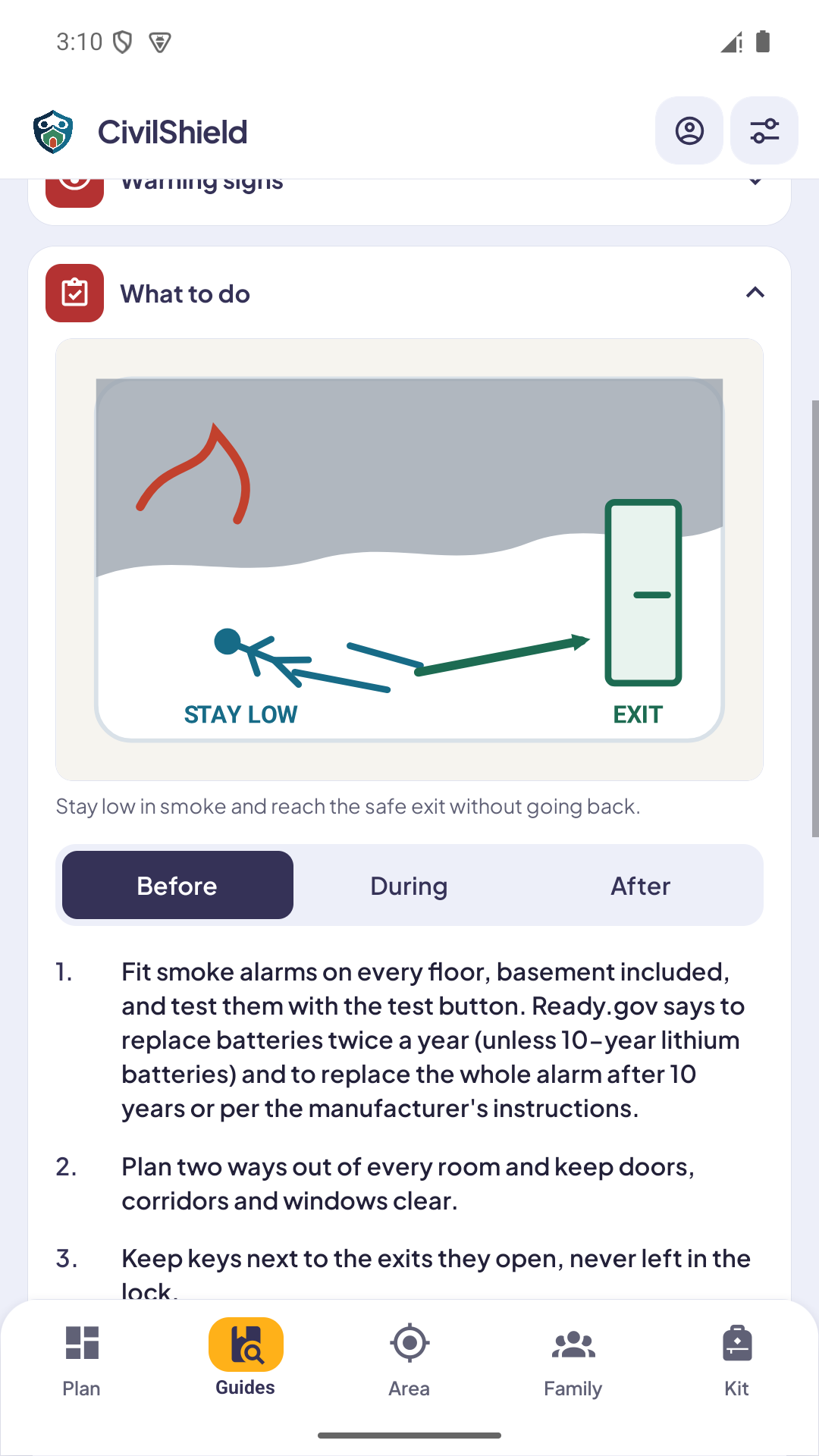
Guides separate preparation, actions during an event and the period afterwards. Where relevant, during-event guidance also varies by setting, such as home, a car, work or a public place. Quick cards and source links support navigation.
What can I add to the family plan?
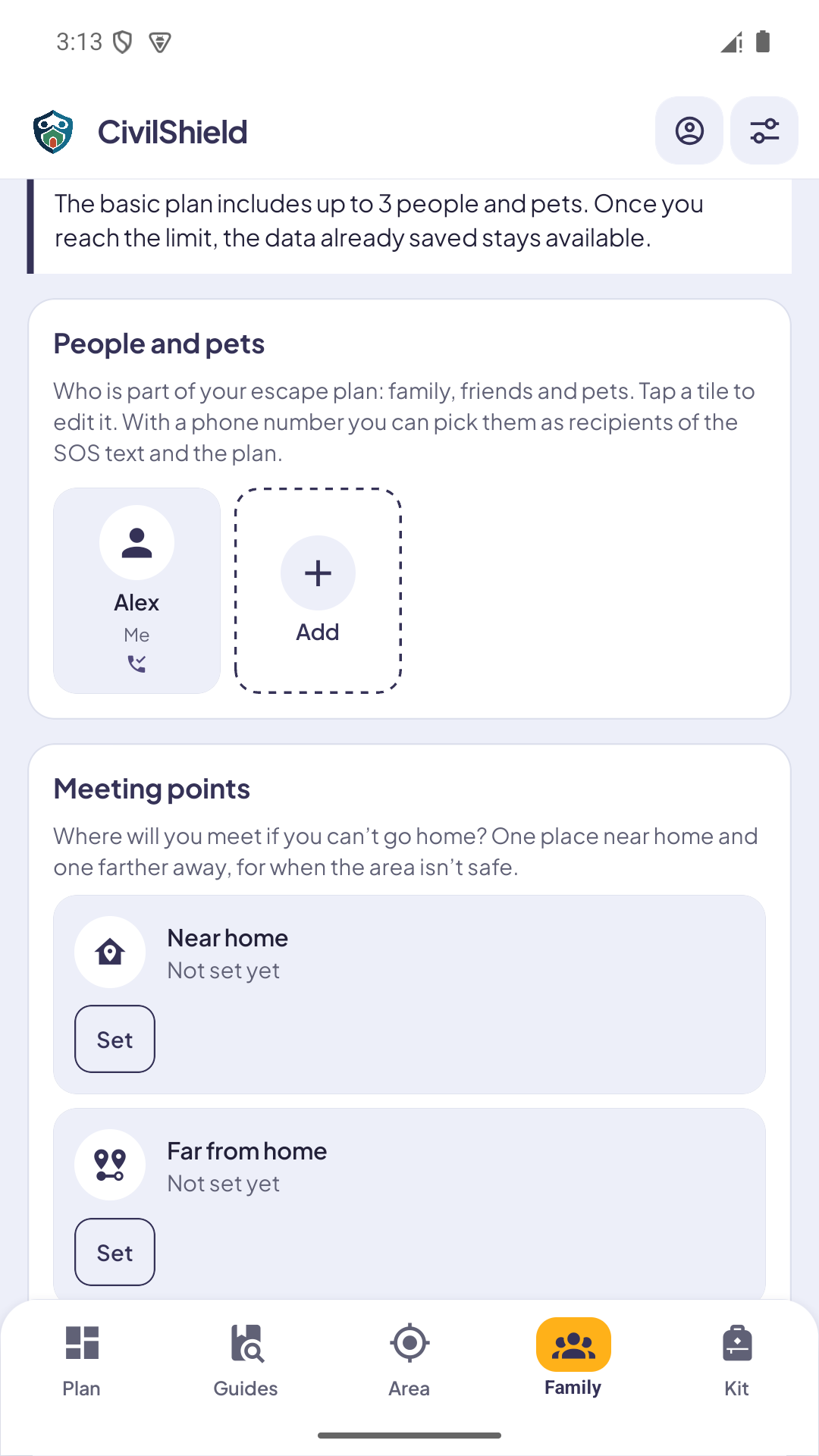
The plan brings together people, pets, emergency contacts, meeting points and agreed responsibilities. Basic tools and additional Pro features are identified in the app. Discuss the recorded information with everyone involved rather than relying on a list alone.
Can I include pets?
Yes. Include pets alongside people when organising the family plan and supplies. The app records information; transport, accommodation and individual needs should be arranged beforehand with your household and appropriate professionals.
How do meeting points work?
Record a meeting point near home and another farther away, with details useful to your household. Review them when addresses, routes or needs change. A saved meeting point is not a location certified as safe by the app.
What is the emergency kit checklist for?
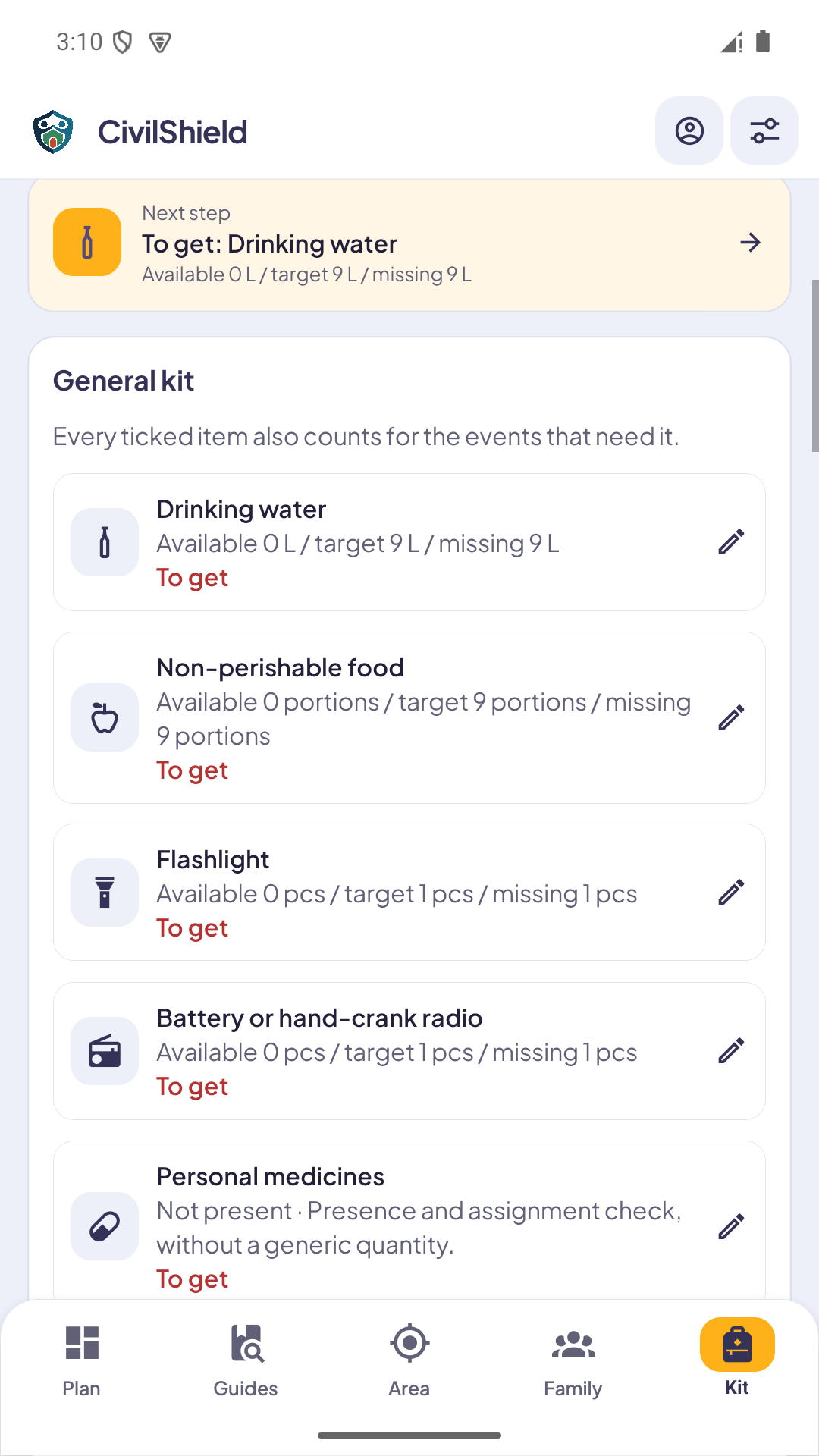
Record available items, quantities and missing supplies. The 72-hour kit supports planning and should be adapted to your household, pets and local guidance. Completing a checklist does not certify self-sufficiency or safety.
Can I track supplies and expiry dates?
The kit supports quantities, expiry dates and local reminders. Reminders depend on device permissions and settings. Review the physical supplies as well: an entry in the app cannot confirm that an item is still present or usable.
What does the Area section show?
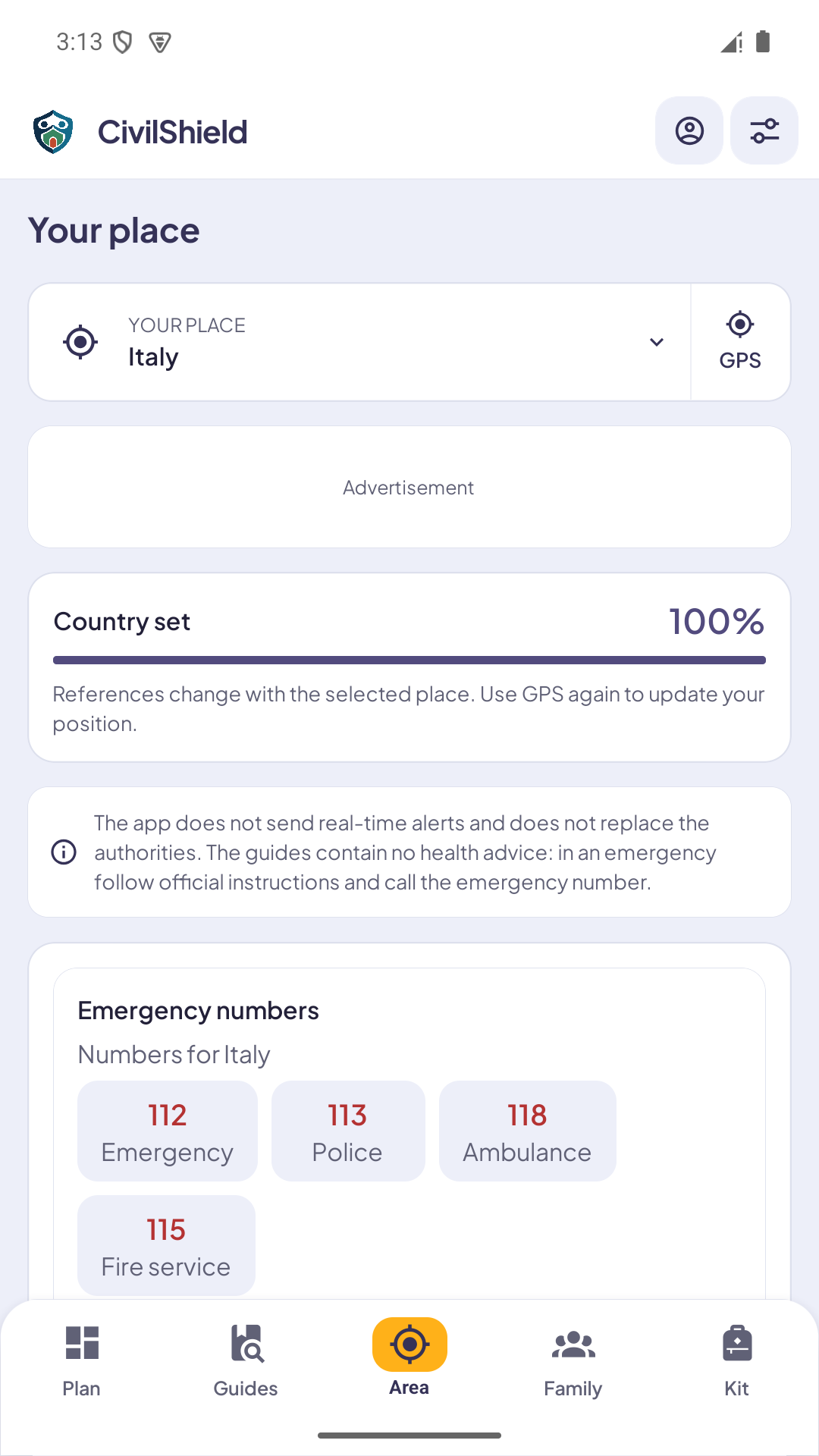
Choose a country to see emergency numbers and official information links, using country search or a requested location lookup. The section does not predict incidents or certify that a neighbourhood or home is safe.
Does SOS automatically contact emergency services?
No. SOS prepares a location message for selected contacts; you confirm sending through the phone's messaging system. Availability depends on your device's services. It does not replace a call to the appropriate local emergency number.
Is my location shared automatically?
Location is requested when you choose a feature that needs it, such as Area or SOS. Sending the prepared message requires your action. The family plan is not a continuous location service and cannot track relatives in real time.
Are safety instructions free?
Yes. Guides and essential safety instructions stay free. The free version includes basic organisation tools and ads outside emergency screens. CivilShield Pro is an optional one-time purchase that removes ads and adds organisation features, with terms shown in the app.
Which languages are available in the app?
The current app includes texts and guides in 27 languages. Website and app language lists are separate: a translation of this page does not guarantee that language is selectable in the app. Linked sources may remain in their original language.
Where does the guidance come from?
Guides draw on official documentation and include references and consultation dates. They provide educational preparation content, rather than advice tailored to an ongoing incident. Current instructions from the local authorities always take priority.
Does CivilShield teach first aid or guarantee safety?
No. It does not provide diagnosis, treatment, resuscitation or first aid training, and cannot guarantee anyone's or any building's safety. It supports organisation and reference. Follow authorities and contact the appropriate emergency services when needed.


 Link in preparation
 Link in preparation